
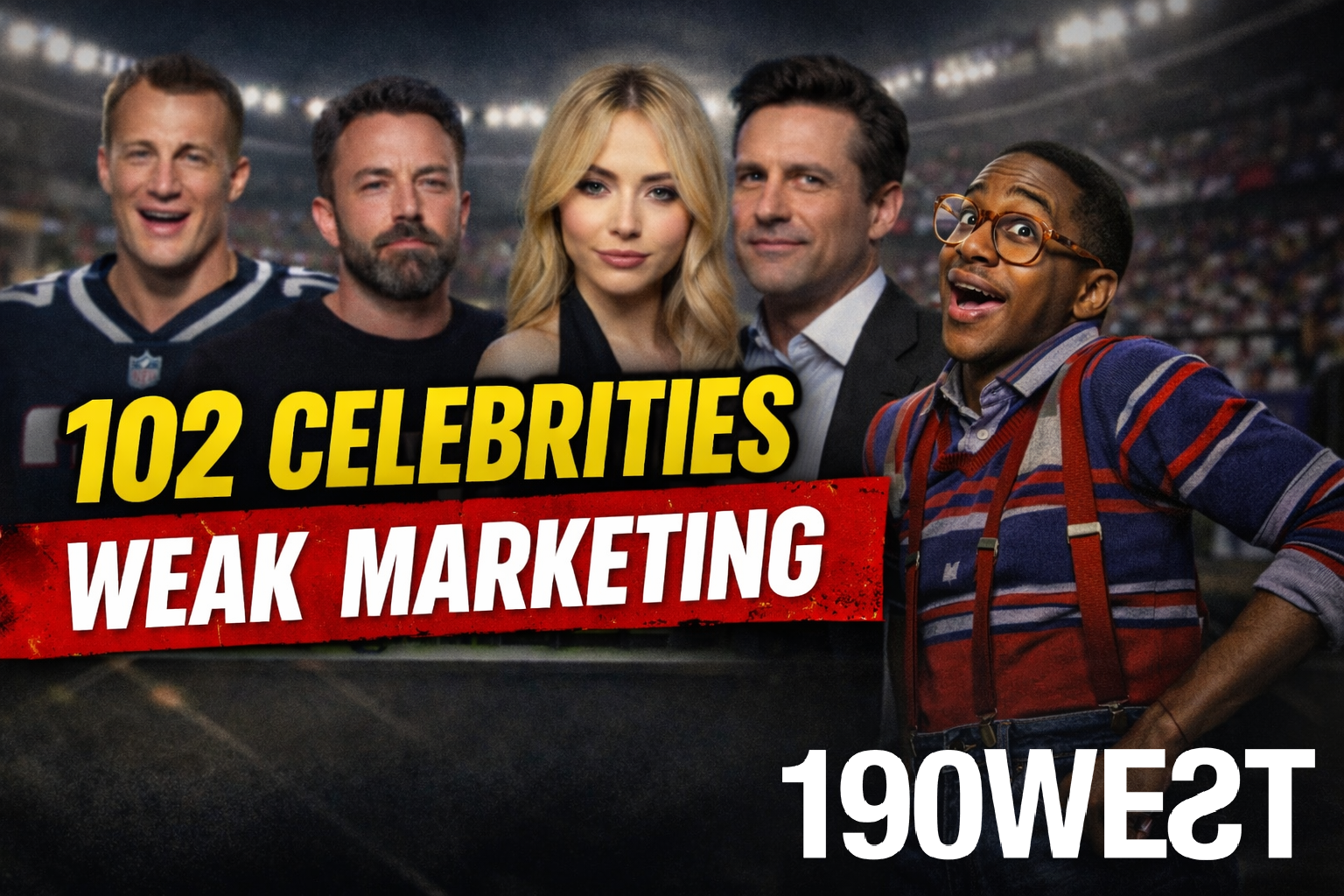
Super Bowl Ads Had 102 Celebrities. Here’s What That Says About Modern Marketing.
Super Bowl Ads Used 102 Celebrities. Here’s What That Says About Modern Marketing The Super Bowl was ass.
Ritz, Celebrities, and the Problem with “Safe” Super Bowl Marketing
Did you know Ritz crackers have a Super Bowl commercial this year?
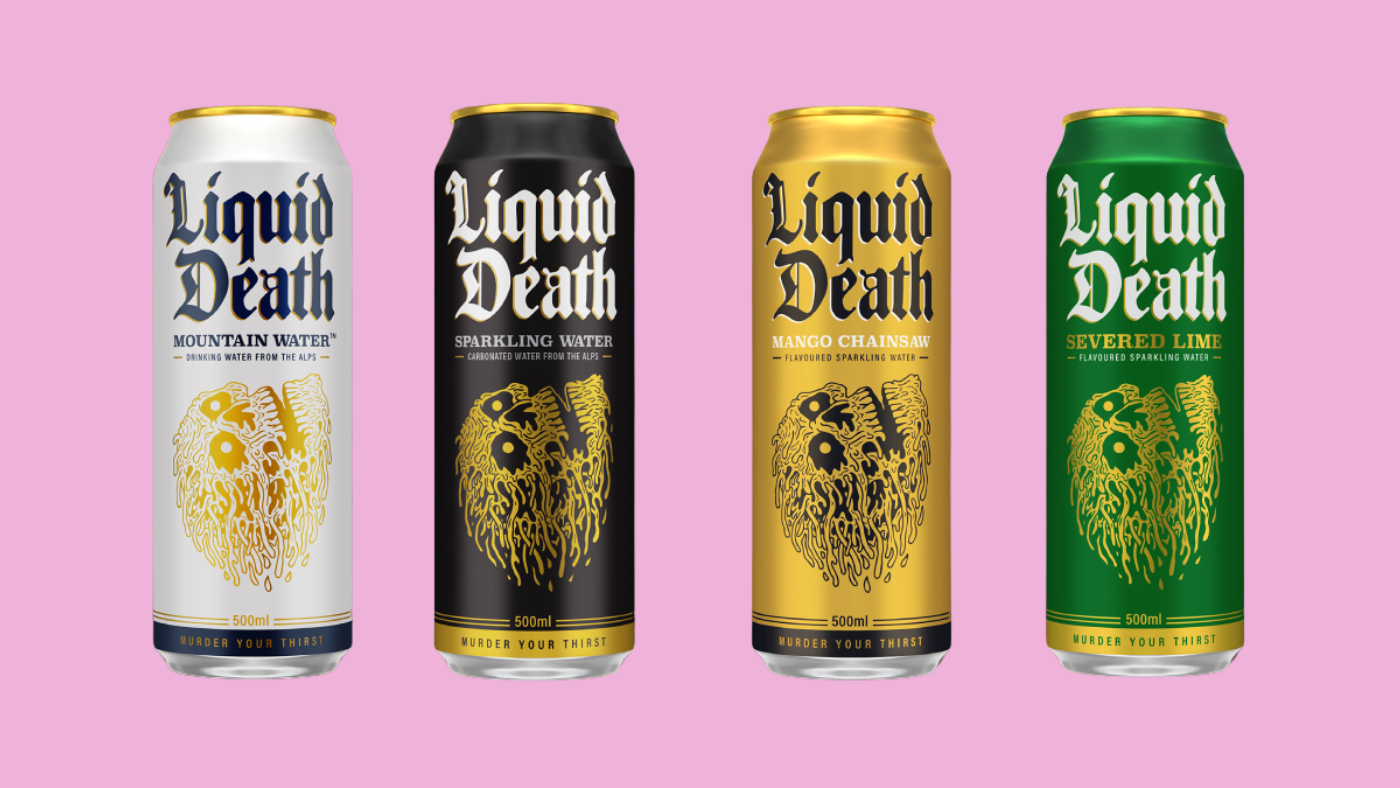
Why Liquid Death Is Winning Marketing by Refusing to Act Like a Brand
The Week in BDSM: Why Liquid Death Is Beating the Hell Out of Modern Marketing Welcome to This Week in BDSM (Business De …
How B2B and SaaS Companies Are Marketing to SpongeBob Adults
How B2B and SaaS Companies Are Marketing to SpongeBob Adults
Wielding the Power of FOMO in B2B Marketing
Wielding the Power of FOMO in B2B Marketing If you think B2B buyers make purely rational decisions, think again.
Generating Leads with Content Syndication
Generating Leads with Content Syndication Isn’t It Time Your Content Gets a Job? A Guide to Getting Your Content Off the …
Tool Spotlight: VisualizeROI
Tool Spotlight: VisualizeROI If you’re struggling to communicate core value propositions to prospects, VisualizeROI migh …

Top 6 Reasons Your Website Needs HTTPS in 2018
Up until recently, unless your company operated an e-commerce website, it wasn’t necessary for you to upgrade your site …

What are Single Keyword Ad Groups (SKAGs) and Why Should You Care?
So, you’re tasked with building paid search campaigns in AdWords or Bing (how exciting!). You’ve done the research and h …